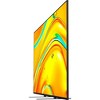
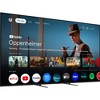
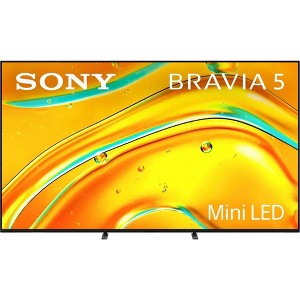
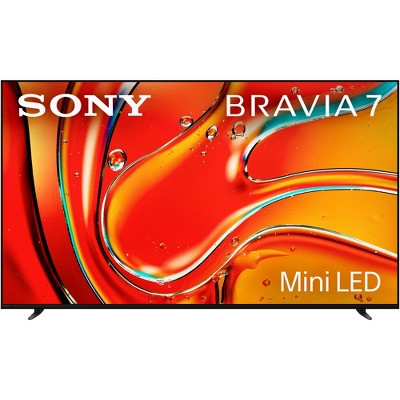
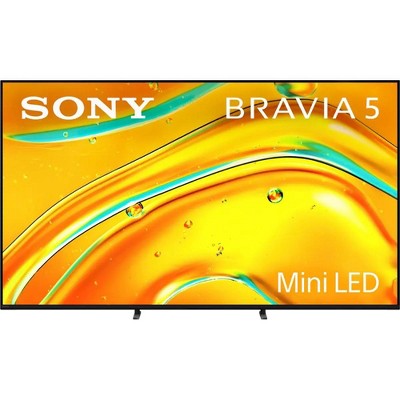
Sony BRAVIA 5 55" Class Mini LED 4K HDR Google TV
New at target
$1,439.94 reg $1,999.99
Sale save $560.05 (28% off)
In Stock

Free & easy returns
Return this item by mail or in store within 30 days for a full refund.
Sold & shipped by Beach Camera
Eligible for registries and wish lists
At a glance
About this item
Additional product information and recommendations
Discover more options
- $698.00reg $799.99 Sale4.5 out of 5 stars with 25 ratings
- $3,087.94reg $3,999.95 Sale
- $199.99 - $299.99New lower price3.7 out of 5 stars with 377 ratings
- $1,629.99reg $1,799.99 Sale
- $229.99reg $699.99 Sale
- $298.69reg $599.99 Sale3.4 out of 5 stars with 5 ratings
- $307.97reg $323.99 Sale
- $349.99reg $419.98 Sale
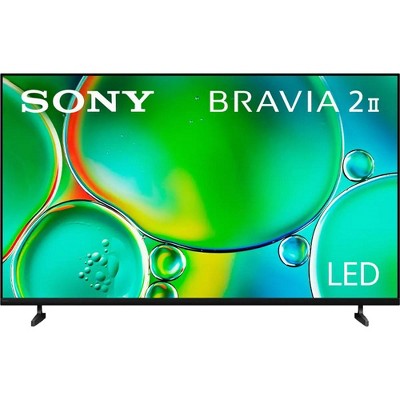
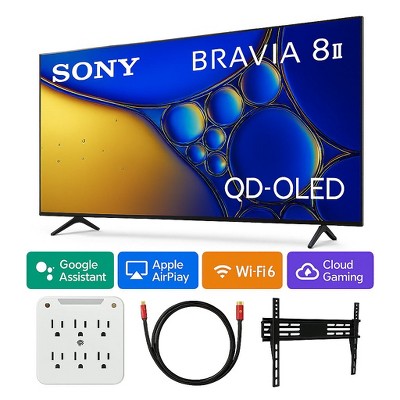
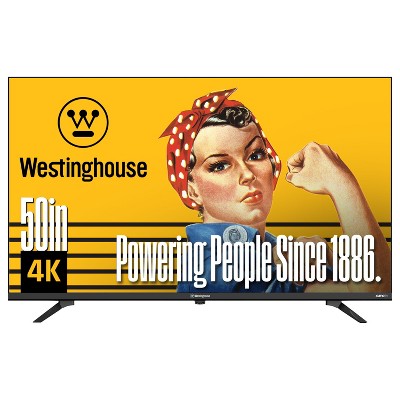
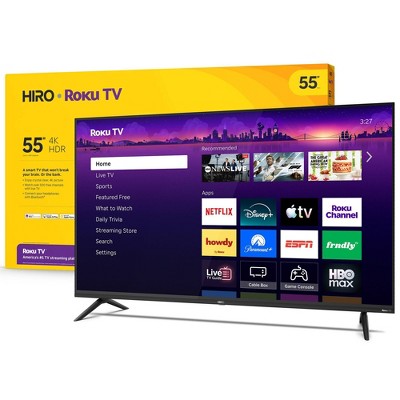
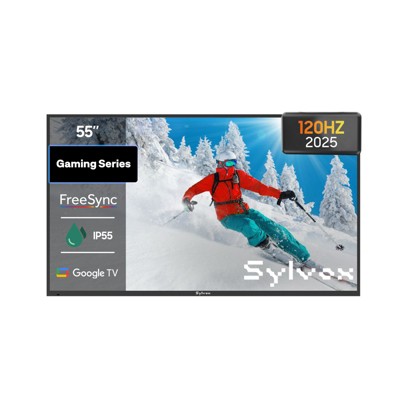
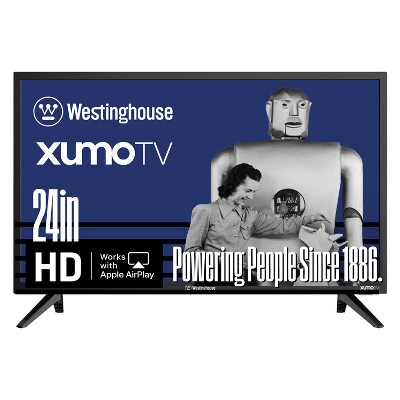
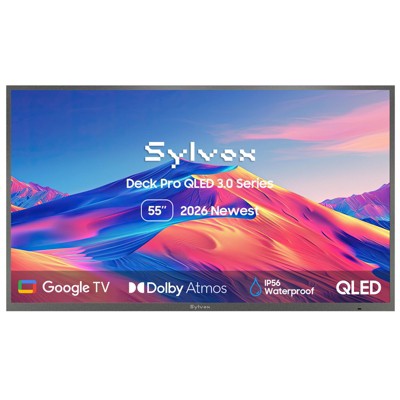
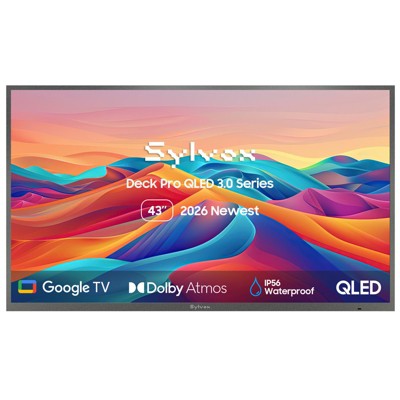
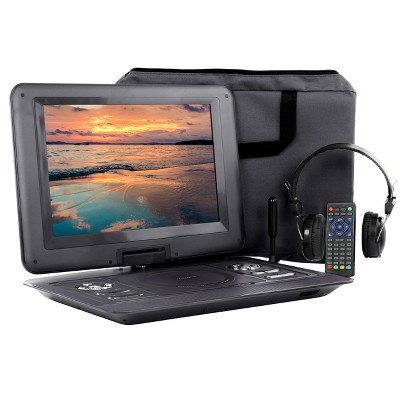
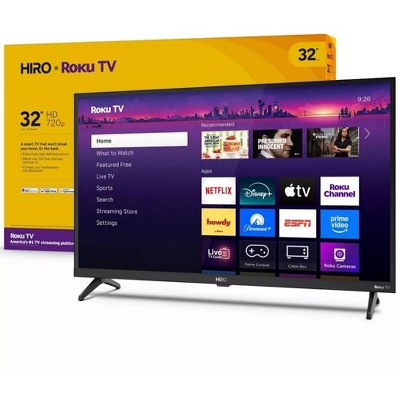
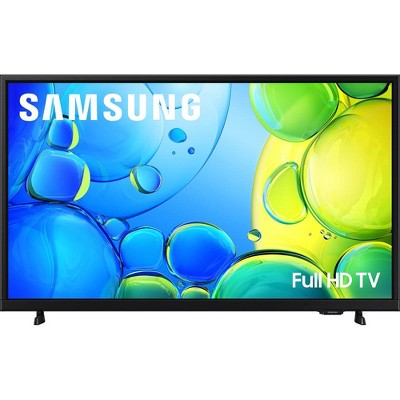
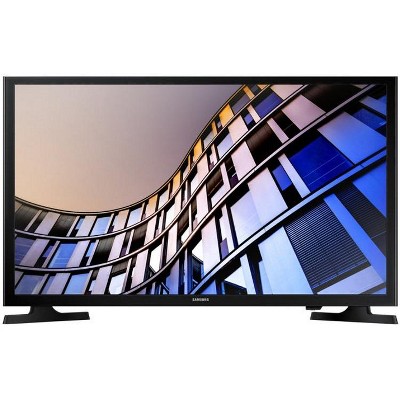
Frequently Also Added
Guests also viewed
- $1,127.85reg $1,999.99 Sale
- $3,087.94reg $3,999.95 Sale
- $229.99 - $899.99Select items on sale4.4 out of 5 stars with 3471 ratings
- $199.99 - $299.99New lower price3.7 out of 5 stars with 377 ratings
- $2,469.94reg $3,999.00 Sale
- $391.39reg $5,999.00 Sale
- $298.69reg $599.99 Sale3.4 out of 5 stars with 5 ratings
- $698.00reg $799.99 Sale4.5 out of 5 stars with 25 ratings
- $1,542.94reg $1,999.99 Sale
- $924.93reg $1,599.00 Sale
- $1,544.99reg $3,596.99 Sale
Related Categories
Guests are saying
The Sony Bravia 5 Mini LED TV impresses with its exceptional picture quality, vibrant colors, and immersive sound, making it a fantastic choice for movie nights and gaming sessions. Guests appreciate the intuitive Google TV interface and seamless connectivity with devices. While some have noted minor issues with brightness and remote control usability, the overall experience is overwhelmingly positive, highlighting its value and performance for a mid-range television.
Summary created by AI from text of reviews reflecting recent feedback provided across different star ratings (includes incentivized reviews)
4.4 out of 5 stars with 104 reviews
5 out of 5 stars
30 July, 2026
originally posted on sony.com

Great quality.
Bought this a few weeks ago and an very pleased with the picture and sound.
4 out of 5 stars
30 July, 2026
originally posted on sony.com
It's almost great but could have been there.
The TV is nice but the support for 3rd party apps like ITVX is limited. And customer support to resolved this could have been better. Thanks.
5 out of 5 stars
22 July, 2026
originally posted on sony.com
Great Geatures
Great tv. Picture is sharp and colours are so bright. This is our second Sony tv and has not failed to impeess
5 out of 5 stars
3 July, 2026
originally posted on sony.com
Mini LED Perfect for lighter rooms with bright sun
We changed to the Sony after seeing it at a friends house. The sharpness of the picture is impressive and as we have a lot of daylight in our lounge the mini LED is perfect for the summer evenings
5 out of 5 stars
2 July, 2026
originally posted on sony.com
I thought I knew what I wanted..
I went into the shop with an idea what to get a mid range Samsung TV but very soon realised that SONY were not just better in every aspect they outshone in value, yearly costs to run, picture sound, add ons like full Atmos I was blown away and since I now have it up and running Iam extremely impressed.
5 out of 5 stars
30 June, 2026
originally posted on sony.com
Sony Bravia 5 65’’ LED TV
Purchased my Sony Bravia 5 65’’ Tv a month ago and it’s everything I expected
5 out of 5 stars
29 June, 2026
originally posted on sony.com
A right feast for your eyes!
It's taking me two years to figure out which TV I wanted, due to all the variable screens and styles. Sony was always my go to. This mini LED TV does not disappoint and I've looked at a lot of different TV, we paired it with a theatre six soundbar it sounds amazing, a right feast for your eyes and ears. Google TV is great.
5 out of 5 stars
28 June, 2026
originally posted on sony.com
Very happy with my purchase so far
Very happy with my purchase so far - no issues to report.
3 out of 5 stars
27 June, 2026
originally posted on sony.com
Disappointed
Why does it have 2 remote controls? Can't you make 1 sensible unit?
1 reply from Sony support team team - 1 month ago
Hi, Thank you for your feedback. We're sorry to hear that you're disappointed with the remote controls included with your K-55XR5. The voice remote controller comes with enhanced smart TV functionalities, including voice commands, which can be used to control various aspects of the TV and connected devices using the built-in microphone for voice control. The standard remote control includes essential buttons and more functions. You can learn more here: https://cutt.ly/btToD2NN If you need any further assistance, do not hesitate to contact us using the details provided in the following link: https://cutt.ly/heoRCkdW (Please copy and paste links into your browser) Nadine @Sony Support UK
4 out of 5 stars
25 June, 2026
originally posted on sony.com
Brightness options could be better
Great tv when receiving UHD programmes. But early opinion is brightness not that great could be better. Have a 10 year old led which appears a lot brighter.
1 reply from Sony support team team - 1 month ago
Hi, Thank you for your feedback. We’re happy to hear that you're enjoying your K-85XR5. Yet, we're sorry to hear that the picture quality didn't meet your expectations. This is not the norm, as we strive to deliver the best quality possible. We recommend following the steps at the following link to adjust the picture settings to match your preferences: https://cutt.ly/mtfcn5iR If you need any further assistance, do not hesitate to contact us using the details provided in the following link: https://cutt.ly/heoRCkdW (Please copy and paste links into your browser) Nadine @Sony Support UK
1 out of 5 stars
22 June, 2026
originally posted on sony.com
Worst tv
Stay away from it,that’s all I can say.Don’t ask me for details,just see for yourself,o I almost forgot I returned….
1 reply from Sony UK team - 1 month ago
Hi, Thank you for your feedback. We're sorry to hear about your experience and sincerely apologise for the inconvenience caused. This is certainly not the experience we aim to provide, as we continuously strive to deliver the best possible quality. Please contact us and provide us with more details regarding your issue so that we can provide you with further assistance, using the details here: https://cutt.ly/heoRCkdW (Please copy and paste the links in your browser). Ismail @Sony Support UK
5 out of 5 stars
19 June, 2026
originally posted on sony.com
So many features
everything I expected from a Sony product, so very pleased with my choice
5 out of 5 stars
18 June, 2026
originally posted on sony.com
Great features
I love the tv as it gives me what I am looking for in a TV
5 out of 5 stars
9 June, 2026
originally posted on sony.com
Picture and sound
Great tv and very pleased with the outstanding picture quality.
5 out of 5 stars
2 June, 2026
originally posted on sony.com
Great looking TV
I'm glad I picked up this TV. Fantastic picture quality. Looks great with my UB820 player and my PS5 Pro with upto 120fps. Had to adjust a couple of settings out the box but nothing too much. Just make sure to set all HDMI ports to enhanced mode so you can use HDR10 etc. the difference is night and day.
4 out of 5 stars
26 May, 2026
originally posted on sony.com
Very happy with this TV some software glitchs
Got this TV as a warranty replacement for a 9month old Sony XR50X90 TV which suffered a screen failure, Had a few minor software glitches with restarting now set updates to manual, TV guide has not been correct and eventually updates, Lost my Google TV account. Hopefully will settle down.
1 reply from Sony UK team - 2 months ago
Hi, Thank you for your feedback. We're sorry to hear that you're experiencing difficulties with your K-55XR5. This is not the experience we aim to provide, as we continuously strive to deliver the best quality possible. Regarding the restarting issue, please make sure to follow the steps below: 1. Disconnect all externals (e.g., Sky box, Ariel cable, HDMI cables, USB, etc.). 2. Unplug the TV from the mains and leave it for 1 minute and then plug it back. 3. Make sure the software is updated using this link: https://cutt.ly/AtM5e466 4. Remove the cached data: Press HOME, then select [Settings] → [Storage and Reset] → [Internal storage] → [Cached data] → then select [Yes]. 5. Perform a factory data reset: https://cutt.ly/Te8KAecf Regarding the guide issue, please perform retuning by following the steps in the following link: https://cutt.ly/Vt1qfeLN Additionally, you can sign in to your google account by following the instructions in the following link: https://cutt.ly/At1qgRKD Furthermore, if you need any further assistance, please do not hesitate to contact us using the details here: https://cutt.ly/heoRCkdW (Please copy and paste the links into your browser). Ismail @Sony Support UK
5 out of 5 stars
24 May, 2026
originally posted on sony.com
Best travel I’ve had
Wow !! My last Sony tv had a great picture ,but this is so fantastic, I’m watching movies I’ve seen before,but its like a new experience on this tv and the sound direct from screen is so good ,its even confusing our dog who now sits and watches it.
5 out of 5 stars
20 May, 2026
originally posted on sony.com
Great Picture!
Last year we purchased a 77" Sony OLED for our lounge and have been very happy with it.. This year we needed to replace a second set in our kitchen, dining area. Happy with the Sony product but knowing that one would often get paused for longer periods, letting out our dogs for example. We opted not to go with an OLED set - instead opting for Sony's mini LED offering, with a 65" screen. The mini LED picture is again first class - with the mini LED technology protecting us (or its screen) from burn in if paused for longer periods.
5 out of 5 stars
18 May, 2026
originally posted on sony.com
Graphics are unbelievable
It's absolutely fantastic the best buy ever the greatest
4 out of 5 stars
6 May, 2026
originally posted on sony.com
Nice picture and sound still getting used it
Got tv2weeks ago still getting used to it nice tv
1 reply from Sony UK team - 3 months ago
Hi, Thank you for your feedback. We are happy to hear that you are enjoying the picture and sound of your K-55XR5, and happy with the quality we always aim to deliver! We hope you continue to enjoy it for years to come! Additionally, we recommend using our online help guide, as it's really comprehensive and thorough, and you can use the search bar in it to learn more about the K-55XR5 settings, features and menu options: https://cutt.ly/VtXNJ4v9 You can also reach the same user guide by pressing the help button on the remote control of the TV. Furthermore, if you need any further assistance, feel free to contact us using this link: https://cutt.ly/heoRCkdW (Please copy and paste the links into your browser) Ismail @Sony Support UK