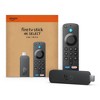
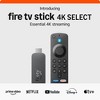
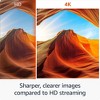
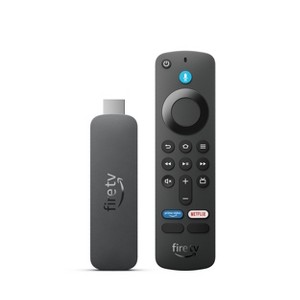
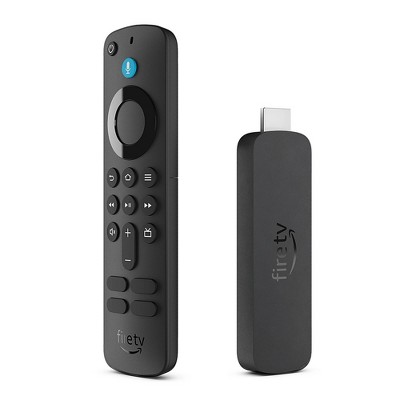
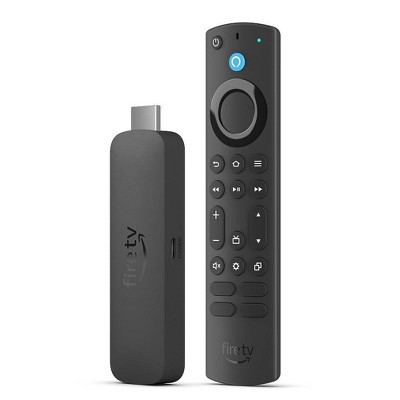
Amazon FireTV Stick 4k Select
$21.99 reg $39.99
Sale save $18.00 (45% off)
In Stock
Eligible for registries and wish lists
About this item
Additional product information and recommendations
Discover more options
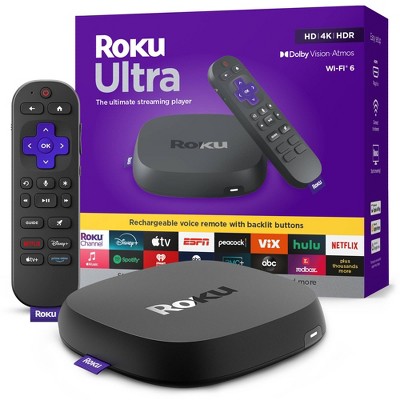
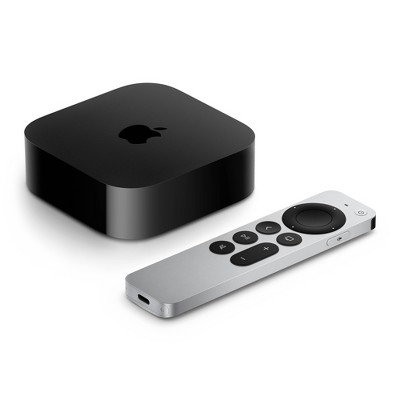
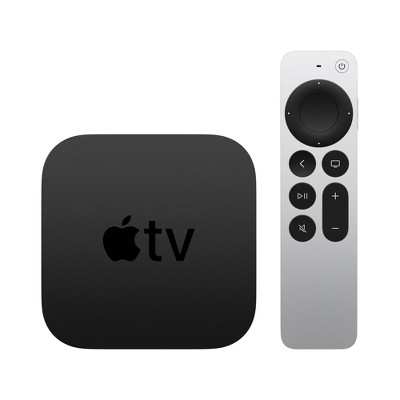
- Highly rated$199.99 - $249.99Get the Apple TV 4K Wi-Fi w/ 64GB at $13/mo. on select items4.5 out of 5 stars with 436 ratings
- $229.99 - $899.99Select items on sale4.4 out of 5 stars with 3180 ratings
- $199.99 - $479.99Select items on sale4 out of 5 stars with 1060 ratings
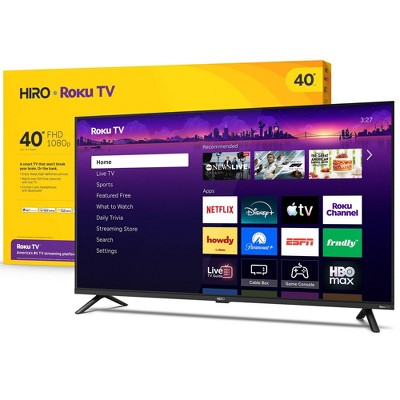
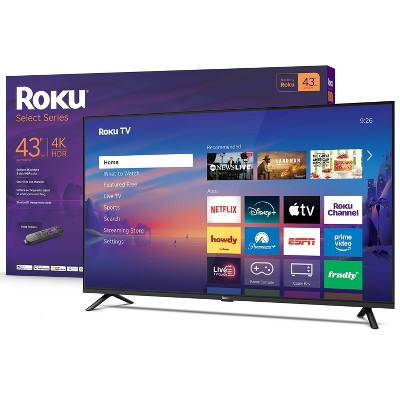
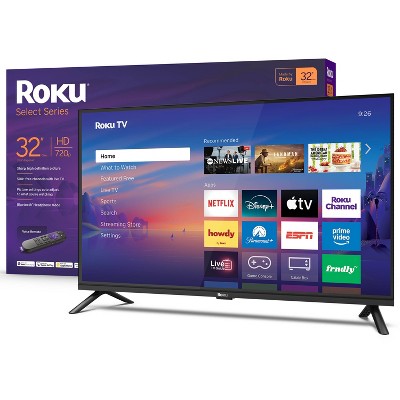
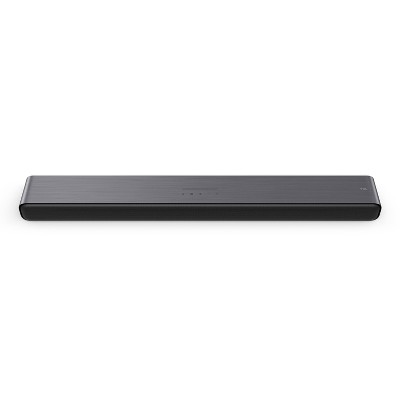
Frequently bought together
- Bestseller$29.99 - $99.99Get the Apple AirTag 2nd generation at $18/mo. on select items4.1 out of 5 stars with 98 ratings
Guests also viewed
- Highly rated$199.99 - $249.99Get the Apple TV 4K Wi-Fi w/ 64GB at $13/mo. on select items4.5 out of 5 stars with 436 ratings
Related Categories
3.8 out of 5 stars with 144 reviews
ease of use: 3.59 out of 5
features: 3.37 out of 5
quality: 3.52 out of 5
value: 3.81 out of 5
48% would recommend
29 recommendations
1 out of 5 stars
4 July, 2026Verified purchase
(no review title)
It doesn't work . lol. Need to send it back
5 out of 5 stars
3 July, 2026Verified purchase
(no review title)
Awesome
5 out of 5 stars
23 June, 2026Verified purchase
(no review title)
It works so nice. I like
1 out of 5 stars
22 June, 2026
(no review title)
It’s not worth it
1 out of 5 stars
3 June, 2026Verified purchase
S
Literally doesn’t connect to wifi and I reset it so many times. Literally wish I never bought this honestly it is such a waste of time considering not even the remote works
1 reply from Amazon Devices Customer Support team - 1 month ago
Hello! Thank you for your feedback on the Fire TV Stick 4K Select. I'm sorry to hear about the Wi-Fi connectivity and remote issues you are experiencing. Here are some troubleshooting steps that may help resolve these issues: Unplug your Fire TV Stick from power, wait 30 seconds, and plug it back in. Make sure your router is working properly and that other devices can connect to your Wi-Fi network. For the remote, try removing the batteries, waiting 30 seconds, then reinserting them and holding the Home button for 10 seconds to re-pair it. If the remote still doesn't respond, ensure there are no obstructions between the remote and the device and that you are within 10 feet. If these steps do not resolve the issues, Amazon Customer Service is available 24/7 for assistance at 1-888-280-4331. I hope this information helps!
5 out of 5 stars
Thumbs up graphic, would recommend
27 May, 2026
Fire TV Stick is like Roku, and way better at streamint only official apps.
For those of you who do not side load to download illegally, this is a great streamer. It lasts way longer the the Onn. The sound is way louder for most of us who use only two speakers. This is the best one out there. I have Roku also. They are great too. Those idiots on Reddit tell you to get the garbage Onn streamer, my advice is don't, but only if you stream official apps. If you like to side load apps, and love Google TV the Onn is your streamer. I had two, I returned both of them. They are boring, and garbage. I love Google, just not the boring Google TV ui. Reports have said people have to restart the Onn streamers after two months. They lose internet. They are cheaply made. Don't believe the idiots on YouTube that tell you to get the Onn. Get the Fire TV stick.
5 out of 5 stars
Thumbs up graphic, would recommend
5 May, 2026Verified purchase
so fun
it works well
5 out of 5 stars
26 April, 2026Verified purchase
(no review title)
good picture and price.
5 out of 5 stars
Thumbs up graphic, would recommend
22 April, 2026Verified purchase
Easiest setup ever.
I ordered this as a replacement for one I lost during a move. It’s perfect. Instructions are included, but you don’t really need them. It’s that easy. Batteries are included & it’s kinda nice to have an updated remote even though that piece wasn’t lost in the move. Plus it was on sale at a far better price than A****n.
1 reply from Amazon Devices Customer Support team - 1 month ago
Dear Kimber, Thank you so much for taking the time to share your review! We're delighted to hear that the Fire TV Stick 4K Select has been such an easy setup experience for you—that's exactly what we aim for. We really appreciate you highlighting how intuitive the device is, even without needing the instructions. It's wonderful that the included batteries and updated remote added extra value to your purchase, especially since you were able to get it at such a great price. We're thrilled that this replacement is working perfectly for you and that you're enjoying the improved performance and features. Your feedback means a lot to us, and we hope you continue to enjoy all your favorite streaming content on your new Fire TV Stick!
5 out of 5 stars
Thumbs up graphic, would recommend
18 April, 2026Verified purchase
Birthday
Purchased one about 5 years ago for my mother in law and it finally gave out and she was so that I had to get her another one...she LOVES this one better, she cried. GREAT PRICE AND LONG LASTING!!
5 out of 5 stars
Thumbs up graphic, would recommend
13 April, 2026Verified purchase
Affordable and works great!
This was perfect and affordable for what I needed it for.
1 out of 5 stars
Thumbs down graphic, would not recommend
12 April, 2026Verified purchase
Not Useful
You will no longer be able to upload Downloader to add other apps to the fire stick.
1 reply from Amazon Devices Customer Support team - 3 months ago
Hi CARLA, Thank you for sharing your feedback about the Amazon FireTV Stick 4K Select. I understand your concern about the Downloader app and the ability to sideload additional applications. Amazon periodically updates its policies and security features to protect user safety and device performance. While I can't speak to specific app availability changes, I want to make sure you're aware of the extensive app library available through the official Amazon Appstore, which includes thousands of streaming services, games, and utilities that are optimized for Fire TV devices. Regarding the Downloader app specifically: The availability of third-party apps like Downloader can vary based on Amazon's app policies and security updates. If you're unable to find Downloader in the Appstore currently, you might try: Checking if you previously downloaded it – it may still appear in "Your Apps & Channels" section Searching for it directly in the Appstore on your Fire TV device, as availability can sometimes vary Looking for alternative file management apps that are available in the official Appstore If you're looking for specific apps or functionality that you feel is missing from the official Appstore, I'd encourage you to: Browse the Appstore directly on your Fire TV Stick to see if the apps you need are available Submit app requests through the Appstore feedback option If you need more flexibility or different features, you might consider these other Fire TV options: Fire TV Stick 4K Max – Our most powerful streaming stick with 16GB storage (double the 4K Select), Wi-Fi 6E support, faster processor, and enhanced app performance Fire TV Cube – Our premium option with hands-free Alexa, 16GB storage, and the most powerful processor for the smoothest streaming experience Fire TV Stick HD – A budget-friendly option if you're looking for basic streaming functionality Each model offers access to the same official Amazon Appstore, but the higher-end models provide better performance and storage capacity for your streaming needs. We appreciate your feedback as it helps us understand what features matter most to our customers.
5 out of 5 stars
Thumbs up graphic, would recommend
7 April, 2026Verified purchase
LOVE THIS PRODUCT
It was easy to set up, it was fast for the price, I would definitely recommend this product since it's the fastest thing under 40$, and once it's on sale it's only 20$
1 out of 5 stars
Thumbs down graphic, would not recommend
6 April, 2026Verified purchase
(no review title)
This fire stick doesn't support 3rd party apps. You cannot even download the Downloader app.
1 reply from Amazon Devices Customer Support team - 3 months ago
Hi GD, Thank you for sharing your feedback on the Fire TV Stick 4K Select. We're sorry to hear that you're experiencing limitations with third-party app installation, specifically with the Downloader app. We understand your frustration, especially when you were expecting more flexibility with app options. The Fire TV Stick 4K Select is designed to work with apps available through the Amazon Appstore, which ensures security, compatibility, and optimal performance with the Fire TV platform. While this does limit the ability to install certain third-party applications like the Downloader app compared to some other streaming devices, it's an intentional design choice to maintain device security and provide a reliable streaming experience. We recognize this approach doesn't work for everyone's needs, and we appreciate you sharing your perspective. We understand that this limitation is a significant concern for your use case, and we value your feedback as it helps us understand what customers are looking for in streaming devices.
1 out of 5 stars
Thumbs down graphic, would not recommend
5 April, 2026
Don't recommend this firestick select.
I would not recommend this one at all. Spend the extra money and get a better one. This one is limited to what you can get and download.
1 out of 5 stars
Thumbs down graphic, would not recommend
4 April, 2026Verified purchase
(no review title)
This is crap. It is not disclosed that this stick has a new operating system that is not compatible with some apps. Spent 2 to 3 hours driving to get this and trying to install a sports network app before finding it doesn't work. Wasted money and time.
5 out of 5 stars
Thumbs up graphic, would recommend
27 March, 2026Verified purchase
easy to install
eeaead
1 reply from Amazon Devices Customer Support team - 3 months ago
Hi Me, Thank you for taking the time to share your feedback on the Amazon FireTV Stick 4K Select! We're glad to hear the installation process was easy and straightforward. A simple setup experience is important, and we're happy this worked smoothly for you. We hope you continue to enjoy your streaming experience with the Fire TV Stick 4K Select!
1 out of 5 stars
25 March, 2026Verified purchase
(no review title)
Don’t have downloader app
1 reply from Amazon Devices Customer Support team - 4 months ago
Hello Maria! Thank you for your feedback on the Fire TV Stick 4K Select. I understand your concern about the Downloader app not being available on your device. The Fire TV Stick 4K Select is designed as an "essential 4K streaming" device that provides access to thousands of apps through the Amazon Appstore, including all major streaming services like Netflix, Prime Video, Disney+, Hulu, and many others. The device comes with 8GB of storage and 1GB of memory, which supports the core streaming experience Amazon has optimized for this model. Regarding third-party app installation, the Fire TV Stick 4K Select, like all Fire TV devices, is designed to work primarily with apps available through the official Amazon Appstore. The Downloader app and similar sideloading utilities may have limited availability or functionality on certain Fire TV models as part of Amazon's approach to maintaining device security, performance optimization, and content quality standards. This ensures that apps installed on your device meet Amazon's technical and safety requirements. If you're looking for specific functionality, I recommend checking the Amazon Appstore directly on your Fire TV Stick 4K Select to see what apps are currently available. Navigate to the "Find" menu or use the search function to look for apps by name or category. The Appstore is regularly updated with new applications, and many popular services and utilities are available for download. Alternative approaches include using the built-in Silk Browser or Firefox Browser (both available in the Appstore) to access web-based content and services. These browsers can provide access to many streaming services and websites directly without requiring additional app installations. If you have specific apps or functionality you're trying to access that aren't available through the Appstore, Amazon Customer Service can provide guidance on officially supported alternatives and may have information about upcoming app availability. They're available 24/7 at 1-888-280-4331. The Fire TV Stick 4K Select is positioned as an affordable entry point into 4K streaming with support for HDR10, HDR10+, and HLG video formats, Wi-Fi 5 connectivity, and access to cloud gaming through Amazon Luna (with Xbox Game Pass support coming soon). It's designed to deliver reliable 4K streaming performance for the most popular entertainment services while maintaining a streamlined, secure app ecosystem. Hope you have a great day!
2 out of 5 stars
19 March, 2026
(no review title)
I set here for like 15 mins only customer in line, store empty and I’m just standing here like it’s a line is crazy.
1 reply from Amazon Devices Customer Support team - 4 months ago
Hi Takeila, Thank you for sharing your feedback about your experience at Target. I'm sorry to hear about the frustrating wait you encountered while trying to make your purchase of the Amazon Fire TV Stick 4K. It sounds like you experienced a significant delay in customer service despite being the only customer in line and the store being otherwise empty. A 15-minute wait under those circumstances is understandably frustrating, and I can see why this left you feeling overlooked. While the checkout experience at Target is managed by their store team rather than Amazon, I truly appreciate you taking the time to share what happened. Your feedback about the in-store experience is valuable, and I'd encourage you to also share this directly with Target's customer service so they can address the staffing or checkout process at that location. I hope that once you're able to get your Fire TV Stick 4K set up, you'll enjoy the streaming experience it provides with enhanced 4K picture quality and smooth performance. Thank you again for your patience and for choosing Amazon products.
1 out of 5 stars
Thumbs down graphic, would not recommend
16 March, 2026Verified purchase
Dont buy this priduct
The functions that I needed was not available to me had to return it to the store